


Scratch Block Coding: How to Add Custom Sprites in Class
At the 2024 AI Connect K-12 Data Science Conference, Next Gen Educare CEO Nikolas Zetouni showed how to build a custom sprite library in Scratch. He covered why popular characters motivate students, why PNG beats JPG, and how copyright comes up.
By The AI Enterprise Magazine Team3 min read
Key takeaways
- Block coding lowers the barrier. Scratch lets learners snap puzzle-like blocks together instead of writing syntax.
- Familiar characters motivate. Zetouni said tailoring lessons to students' favorites works better than neutral defaults.
- Use transparent PNGs. JPG images bring a white box; PNGs with transparency load cleanly.
- Background removers help. Free tools can clear a background; hand erasing builds fine motor skills.
- Check copyright locally. Rules vary by country, and he advised consulting a lawyer.
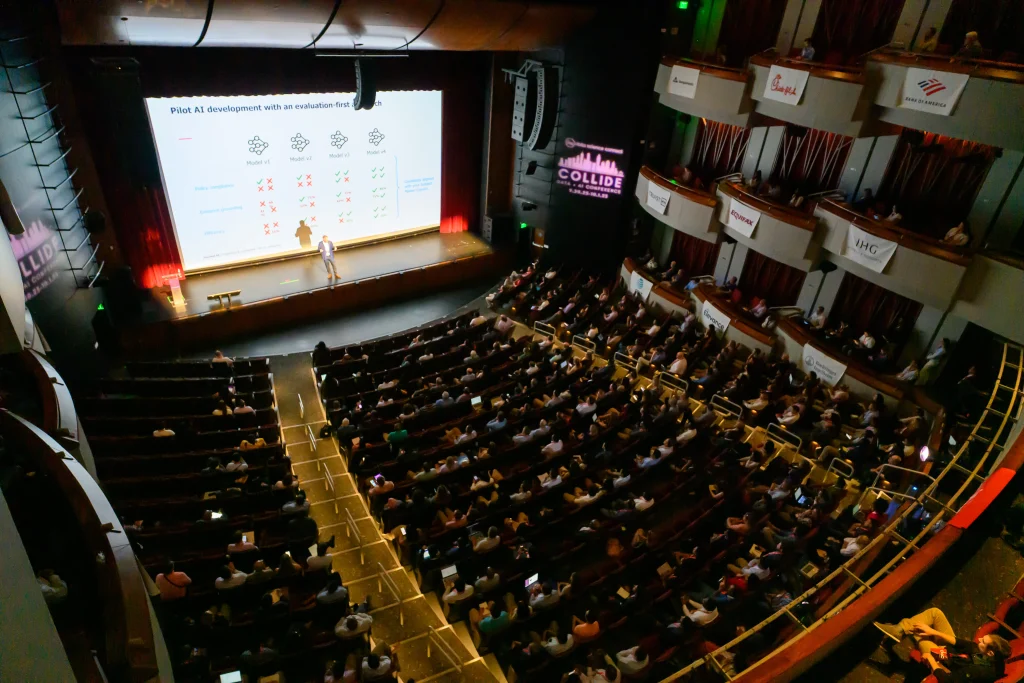
At the AI Connect K-12 Data Science Conference 2024, Nikolas Zetouni, CEO of Next Gen Educare, showed teachers and students a practical way to make block coding more engaging: build a personal library of custom characters, known as sprites, for Scratch projects. The 22-minute 2024 session was pitched as a quick "extra" on top of the basics.
Zetouni said he has taught block coding for about five years, to students from grade one through grade six and beyond, and that kids "always ask me about the sprites."
What is block coding, and why use Scratch?
Zetouni introduced Scratch as a free platform where learners of nearly any age can code by connecting puzzle-like blocks instead of typing syntax. Little experience is needed, he said, and there are many tutorials. Users can start creating without even registering for an account.
Scratch works well for games, art and storylines, he said. In a live demonstration he added a cat and a dog, set a house backdrop, and used a few blocks so the cat says hello and the dog replies three seconds later when the green flag is clicked.
How can teachers make Scratch more engaging?
The built-in sprites are fine, Zetouni said, but using only neutral characters won't "really touch your students where they really want." In his experience, many of his students love Pokemon, and a surge of interest in Super Mario after the movie showed how much popular characters matter.
Scratch includes a paint tool for drawing your own sprite, and he noted that results depend on drawing ability and look rough when zoomed in. His alternative was to upload images from the computer, a step he said can overwhelm younger students who struggle to navigate files on Windows or macOS.
He keeps folders of downloaded images, including anime, Mario Kart, Marvel, Pokemon and Star Wars characters, which he said took time to gather. In the demo he uploaded Pichu, Pikachu and Raichu, then resized each one using the percentage size setting, shrinking one and enlarging the others to tell a short evolution story.
What image format works best for sprites?
The key tip was to look for transparent images. Zetouni searched for an Eevee image with the word "transparent" in the query and showed that a PNG file with a checkerboard background loaded cleanly into Scratch. A JPG of the same character brought a white square behind it.
If only a JPG is available, free online background-remover tools can strip the background, he said, and the cleaned file can be downloaded and uploaded as a new sprite.
For teachers who want to build fine motor skills, he suggested having students erase the white background by hand in Scratch's costume editor using the eraser. He acknowledged that the work can seem boring, but said that kind of detailed work is what designers do in tools like Photoshop.
What about copyright?
An audience member asked how to discuss copyright and Creative Commons with students building image libraries. Zetouni said copyright rules vary by country and that he is not a lawyer. In Canada, he said, his understanding is that images used for educational purposes in a classroom, and not reproduced or sold, are generally safe, and that many images online are fan-made for fans.
His advice was to check local regulations and consult a lawyer if concerned.
Is Scratch only for young children?
Asked whether Scratch is for children or adults, Zetouni said it is aimed more at children. He has taught it from grade one through grade 12, but by around grade nine students tend to be less excited by it and are more interested in classic languages such as Python. Python, he said, is "not as intuitive as Scratch is," so students need more knowledge first.
More K-12 and data education from AI Connect
Educators and students interested in data and AI can follow AI Connect's 2027 programming. The 2027 schedule includes 24 free live webinars across four series: the AI x Enterprise Panel Series, AI Demo Days, Agentic AI Showcases and the Plug & Play Series. Details are at /webinars/. Registration for 2027 events is coming soon.
Frequently asked questions
What is block coding?
Block coding lets learners build programs by connecting visual, puzzle-like blocks instead of typing syntax, as in Scratch.
How do you add custom sprites in Scratch?
Zetouni used the upload sprite option to import downloaded images, then resized them with the percentage size setting.
Why use PNG instead of JPG for Scratch sprites?
He showed that PNG images with transparent backgrounds load cleanly, while JPGs bring a white box behind the character.
Is Scratch only for young children?
He said it suits children best and that students around grade nine often move toward languages such as Python.
This article is based on remarks by Nikolas Zetouni, CEO, Next Gen Educare at AI Connect K-12 Data Science Conference 2024 on July 25, 2024. More coverage: More AI Connect Events.
Filed under: People, Culture & Leadership, AI Use Cases & Applications